At the counter
Fast walk-in billing
Cash, UPI or pay-on-collection, with pay-on-collection tracked on its own screen until it is paid.
Receipts or tokens
A printed receipt, a physical token pool or a spoken serial number, set per outlet.
Only what is in stock
Counter search is restricted to what you can actually serve.
Paper still counts
Pen-and-paper sales reconcile into the same day, so the close is complete.
Behind the counter
One queue for every channel
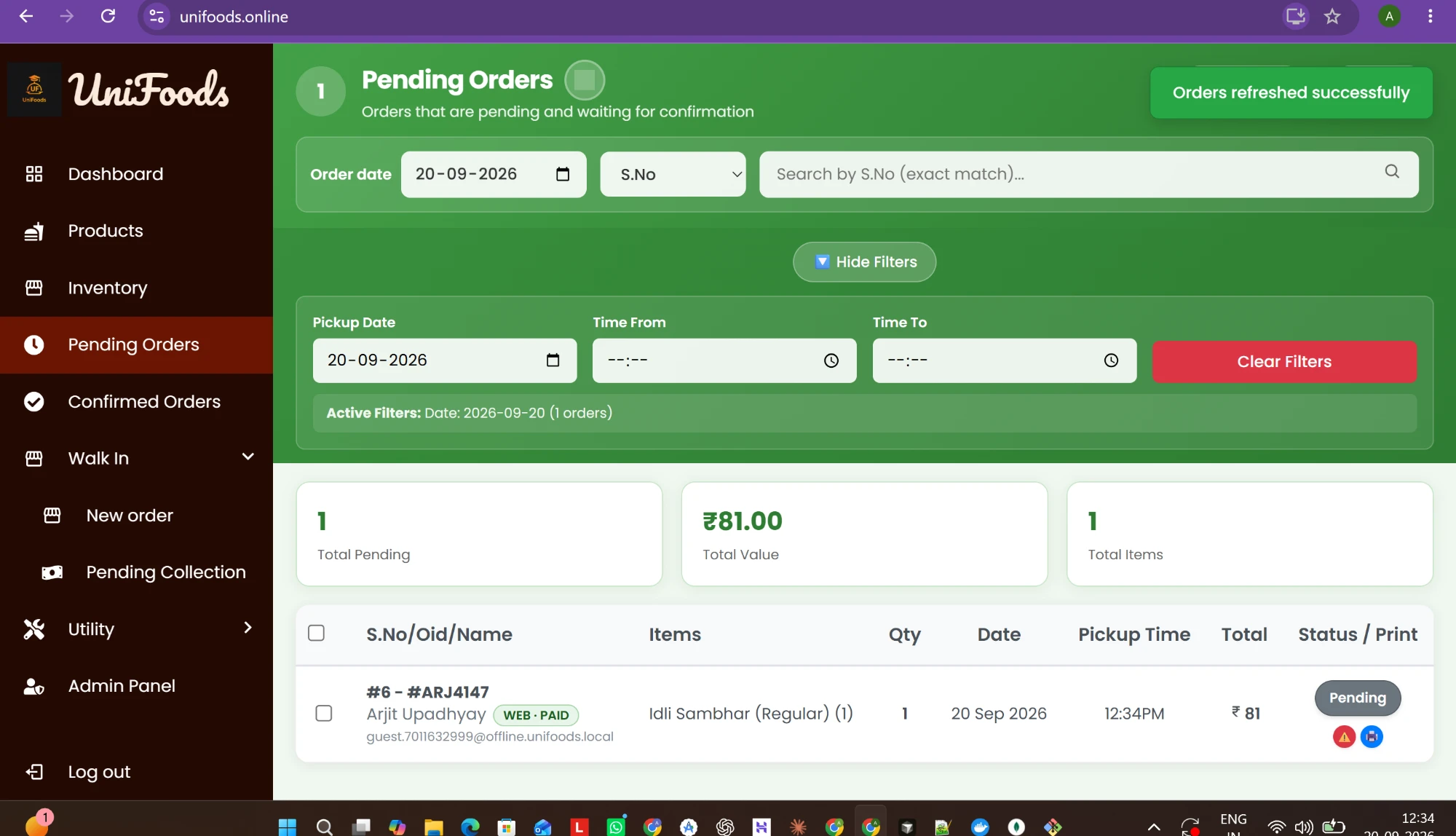
App, QR, walk-in and phone orders in order, with sound alerts in the kitchen.
Stock that counts itself
Stock drops per portion as orders land and stops selling at zero, everywhere at once.
Same-day numbers
Takings per channel as they happen, a nightly closing email, and Excel reports for any date range.
Staff access you control
Roles built section by section and limited to the outlets each person works in.
What UniFoods does not do today
- GST tax invoices with HSN codes. UniFoods prints receipts; tax invoices stay in whatever you use for them today, and purchases export to Tally.
- Table-service POS with a captain app or KOT printing to separate kitchen stations.
- Live Zomato or Swiggy order integration.
Questions
Does UniFoods generate GST invoices?
No. UniFoods prints receipts. GST tax invoices with HSN codes are on the roadmap and not built yet, so most operators keep those with their accountant or existing billing software.
Can we keep taking cash?
Yes. Walk-ins are billed as cash, UPI, or pay on collection. All of it draws down the same stock and lands in the same report.
What does it cost?
The first month is free, at your own outlet with your own menu. There is no subscription and no setup fee. After that UniFoods earns a platform fee of under ₹1 per order, added to your customer's bill on QR and counter orders, and nothing when an outlet is quiet.
What hardware do we need?
Whatever you already have. The dashboard runs in a browser on any PC, laptop or tablet, the kitchen screen runs on any tablet, and your customers use their own phones. A receipt printer is optional.