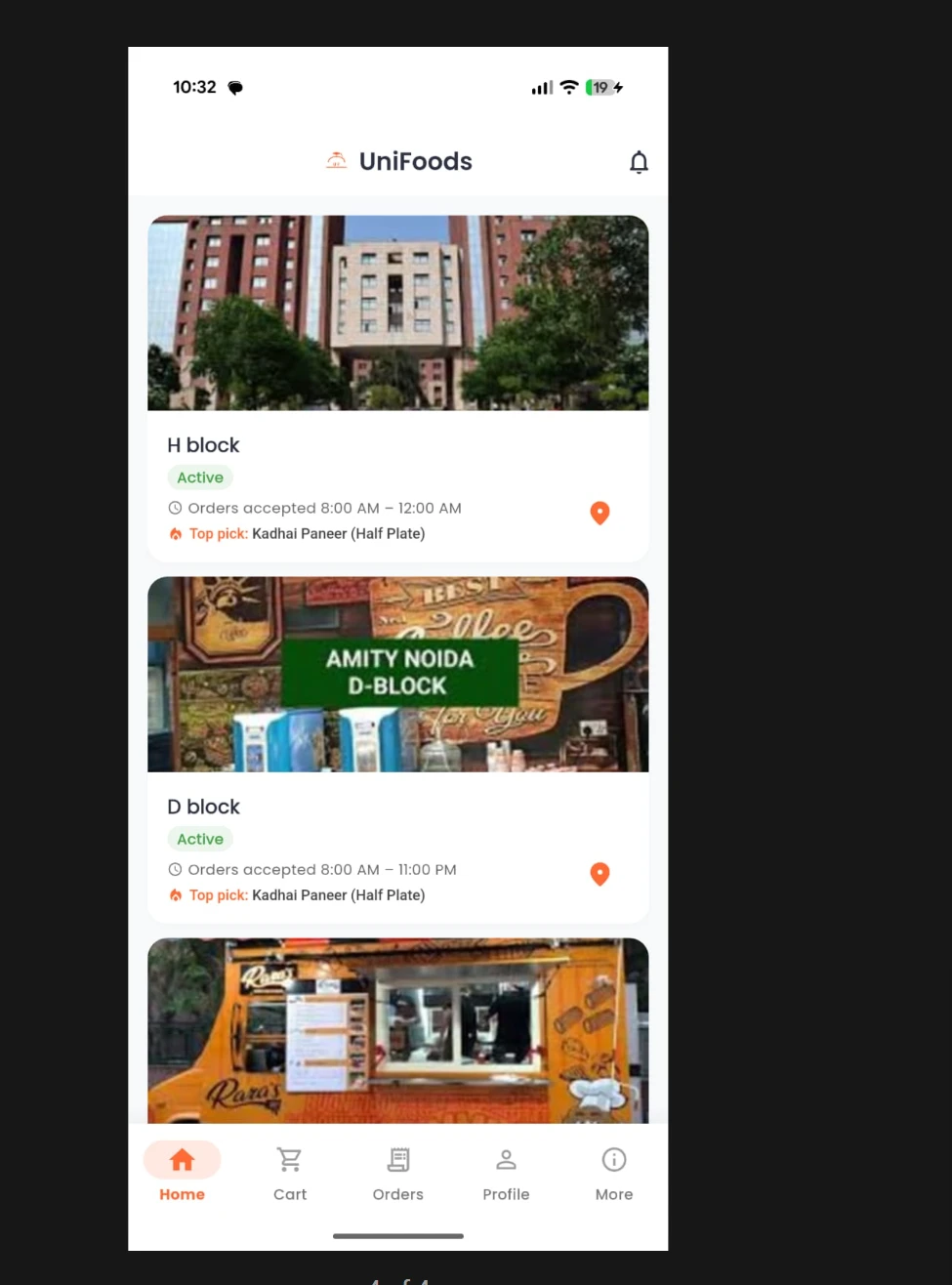
What your customer gets
No download, no password
The menu opens in any browser from a QR code, with guest checkout.
Pay on the phone or at the counter
UPI, cards and netbanking through Razorpay, or pay when they collect.
A token and live status
They can see when the order is ready instead of crowding the counter.
Order ahead
Scheduled pickup, so the order is ready when they arrive.
What your outlet gets
Orders straight to the kitchen
A sound alert and one queue, with no one retyping orders.
Sold-out items disappear
Stock counts down per portion and ordering stops at zero.
Prices that cannot be underpaid
Prices are recomputed on our server at checkout, so a stale phone tab cannot pay the old price.
Automatic refunds
If an item sells out during payment, the order is not created and the payment is refunded in full.
What UniFoods does not do today
- Table-service POS with a captain app or KOT printing to separate kitchen stations.
- Live Zomato or Swiggy order integration.
- A separately branded app for your chain. Your customers order from your own page and QR code today.
Questions
Do customers have to download an app?
No. They scan, order and pay in the browser, with no install, account or password.
Where does the money from QR orders go?
To the outlet. Each outlet can settle into its own bank account at the moment of payment, so takings do not wait in a pooled account.
What does it cost?
The first month is free, at your own outlet with your own menu. There is no subscription and no setup fee. After that UniFoods earns a platform fee of under ₹1 per order, added to your customer's bill on QR and counter orders, and nothing when an outlet is quiet.
How long does setup take?
Ordering, the counter and the kitchen queue can run as soon as the menu is loaded. The menu uploads from a spreadsheet and we do that for you. CostGuard also needs ingredients, recipes and an opening stock count, which we set up with you one outlet at a time.