During the rush
QR ordering with tokens
Customers order and pay on their phone and collect on their number.
Fast counter billing
Cash and UPI in one day-total, with varieties and sizes on the menu.
Orders on the kitchen screen
Sound alerts and a pending-to-ready flow, with nothing shouted across the room.
Offers to your own customers
Push campaigns to the people who already order from you.
After closing
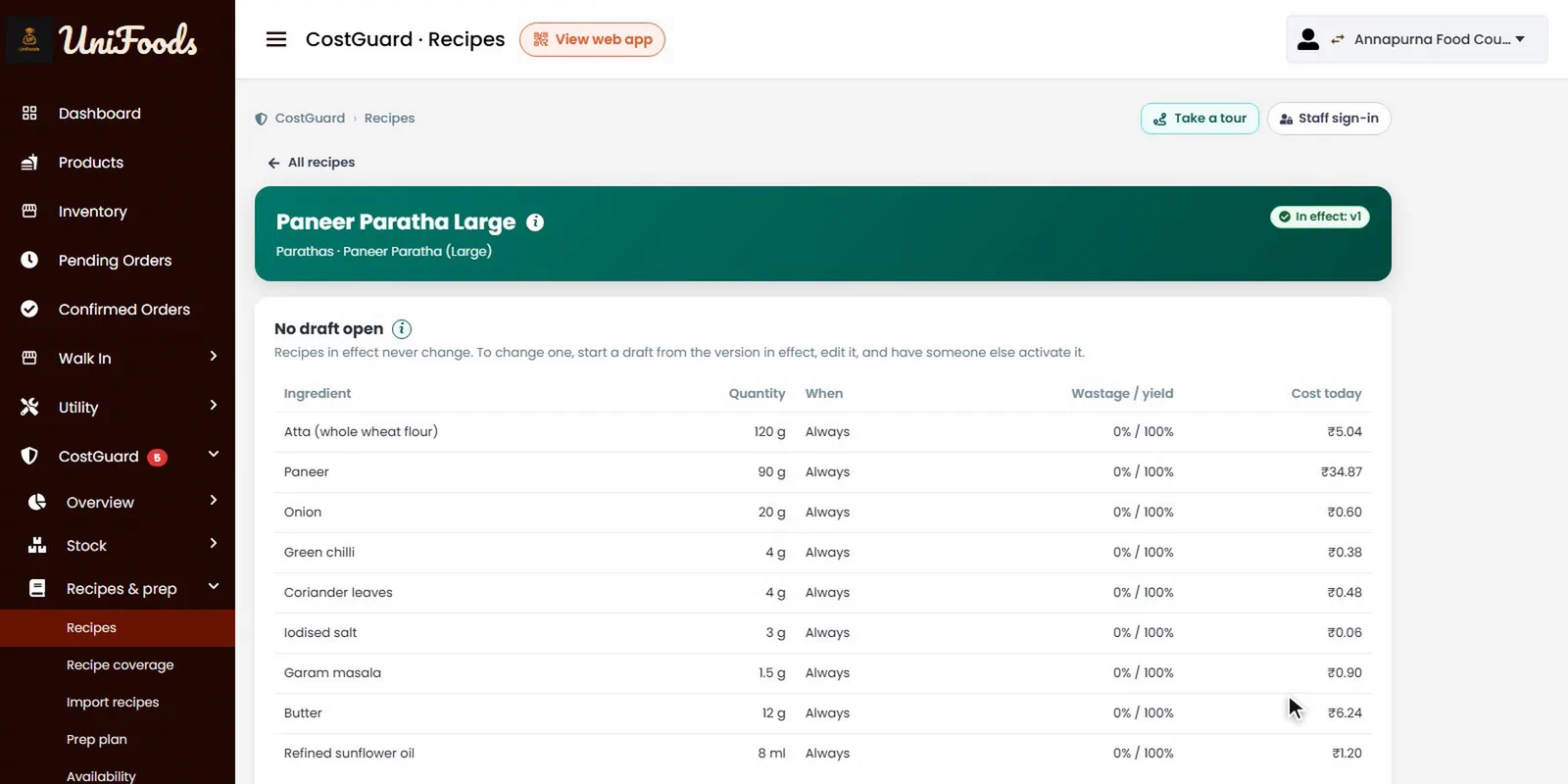
Recipe per item and size
See the cost of a small and a large, at today's ingredient prices.
Stock by expiry
Milk, bakery and fresh stock used oldest first, with a colour board for what is close to its date.
Waste with reasons
A quick entry with a photo, so you can see what keeps getting thrown away.
A nightly report
The day's closing figures in your inbox, and Excel exports whenever you want them.
What UniFoods does not do today
- GST tax invoices with HSN codes. UniFoods prints receipts; tax invoices stay in whatever you use for them today, and purchases export to Tally.
- Table-service POS with a captain app or KOT printing to separate kitchen stations.
- Live Zomato or Swiggy order integration.
Questions
Is UniFoods only for chains?
No. A single cafe can run on it. The free month is at one outlet with your own menu.
What does it cost?
The first month is free, at your own outlet with your own menu. There is no subscription and no setup fee. After that UniFoods earns a platform fee of under ₹1 per order, added to your customer's bill on QR and counter orders, and nothing when an outlet is quiet.
What hardware do we need?
Whatever you already have. The dashboard runs in a browser on any PC, laptop or tablet, the kitchen screen runs on any tablet, and your customers use their own phones. A receipt printer is optional.
How long does setup take?
Ordering, the counter and the kitchen queue can run as soon as the menu is loaded. The menu uploads from a spreadsheet and we do that for you. CostGuard also needs ingredients, recipes and an opening stock count, which we set up with you one outlet at a time.